Meet the people recording it already edited.
One studio on your own computer, set up by asking your AI instead of digging through settings. Here’s what people make with it, and what’s waiting when they press Stop: the edit, and every camera and mic it was made from.
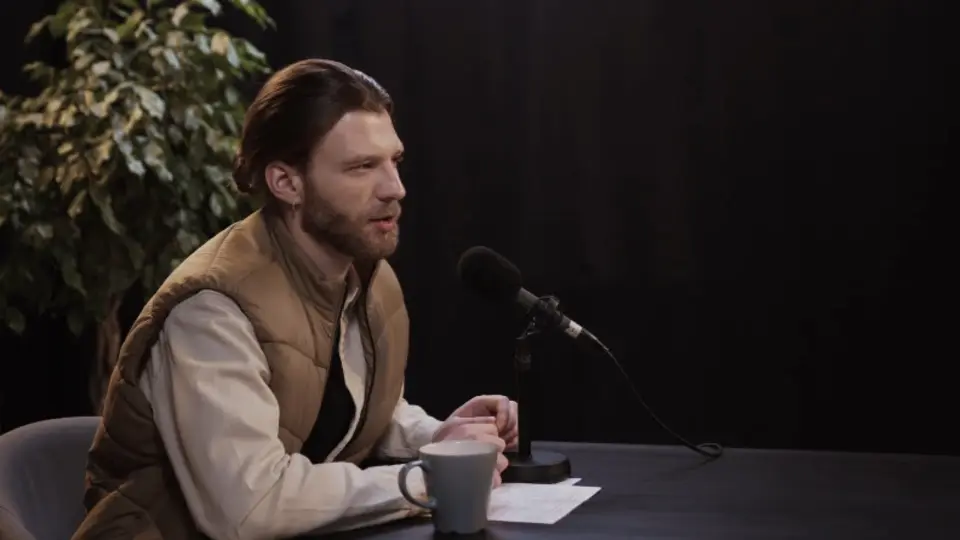
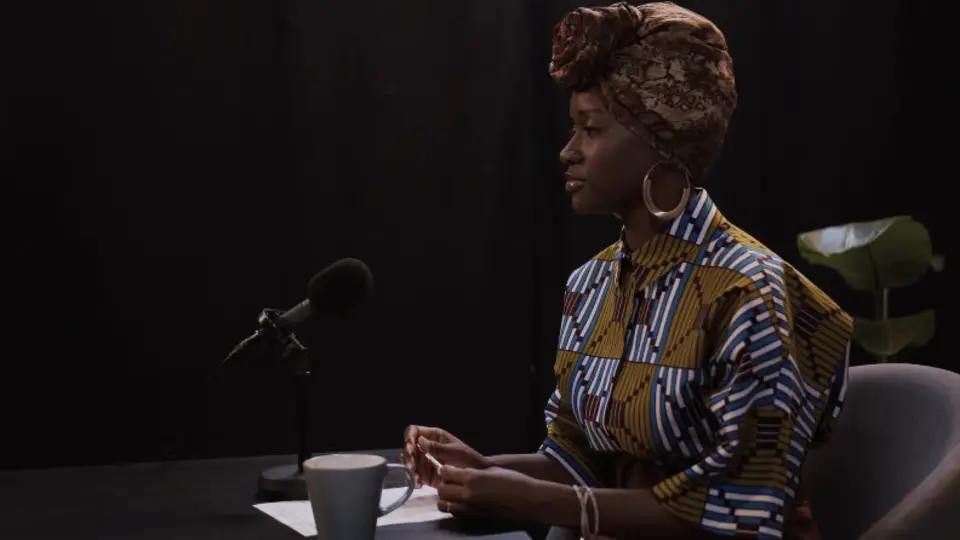
Podcasters cut the episode while they record it.
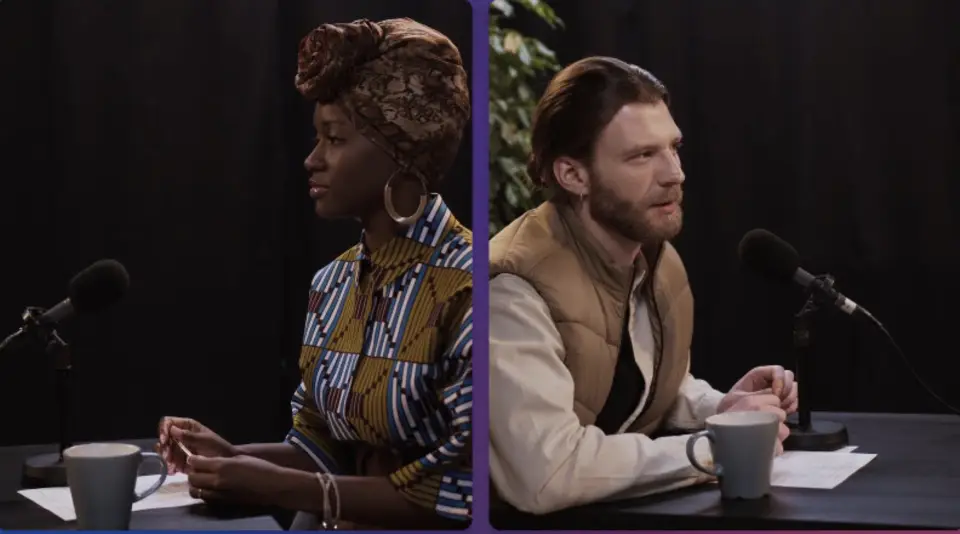
Two hosts in the room, a guest from a browser link, three cameras. The director cuts to whoever’s talking, every camera and mic is recorded on its own, and the transcript and chapters are waiting when you stop. Finish in JCSS, or send the timeline to Final Cut or Resolve.
- Starts from
- Podcast or interview
- Ask your AI
- “Cut to whoever’s talking, and put name tags on both of us.”
- Uses
- Director rulesEvery camera on its ownGuests from a linkTranscript editing
Streamers go out wide and tall at once.
Twitch and YouTube get the 16:9. The 9:16 has its own layout and follows your face, for TikTok and Shorts. Chat from Twitch, YouTube, X and Facebook comes on screen, one key marks the moment worth clipping, and your camera is recorded clean, so the clip can be just you.
- Starts from
- Live stream
- Ask your AI
- “Keep the music off the recording, and give the 9:16 TikTok captions.”
- Uses
- 16:9 and 9:16 togetherFollow camChat on screenMarkers
 Following you
Teachers and tutorial makers mark the chapters as they talk.
Your screen and your camera, and a key for each chapter and each flub. The chapters come out ready to paste into YouTube, the flubs come back as suggested cuts, and you tidy the rest by deleting words in the transcript.
- Starts from
- Screen and camera
- Ask your AI
- “Follow my cursor on the screen, and put chapters on my foot pedal.”
- Uses
- Markers with keysChaptersCaptionsEdit by deleting words
Event crews run the whole day from one laptop.
Several cameras, an ATEM if you have one, speakers who join from a link, and every platform at once. Each camera and guest is recorded on its own, so the recap starts from real angles instead of one flattened file.
- Starts from
- Talk or event
- Ask your AI
- “Name tags for every panelist, and a lower third for the next session.”
- Uses
- MultistreamATEM controlGuests from a linkName tags
Churches hand Sunday to the volunteers.
The Live view shows big buttons, the next scene and the timers, and nothing else. ProPresenter cues the scenes over MIDI, edit lock keeps the setup safe from a stray click, and recovery brings the service back after a crash. Every camera is recorded clean too, so the sermon clip doesn’t carry the lyrics.
- Starts from
- Church service
- Ask your AI
- “Lower third for Pastor Sam, and follow him on the wide camera in the sermon.”
- Uses
- Live viewMIDI from ProPresenterEdit lockCrash recovery
AI builders let their agent run the show.
Every action in JCSS is a command, reachable through MCP, the CLI and plain JSON files. Ask Claude Code or Codex to set up a show, build the scenes or start the edit, with the AI you already pay for. Going live and stopping a recording wait for a person.
- Starts from
- Any, or none: ask your AI
- Ask your AI
- “Set up our interview show.”
- Uses
- MCP serverCLIA show is a folderConfirm for risky actions
Creators on the road premiere while they’re away.
Record ahead, then schedule it: the recording plays live at 10 on Sunday, on YouTube and Facebook. Run it from your computer for free, or from the cloud on Pro with your computer off.
- Starts from
- Whatever you recorded
- Ask your AI
- “Play Sunday’s sermon at 10 on YouTube and Facebook.”
- Uses
- Scheduled premieresMultistreamCountdown
OBS veterans bring their scenes over.
Import a scene collection and keep your cameras, screens, scenes and layouts; a report says what needs a look. Then retire the plugins you’ve been keeping alive: follow cam, the vertical canvas, switching and the edit are built in.
- Starts from
- Import from OBS
- Ask your AI
- “Bring in my OBS scenes and tell me what needs a look.”
- Uses
- OBS importMoves and zoomsKeys on everythingStream Deck
And plenty more of you.
- Interviews
- Product launches
- Workshops
- Meetups
- Classes
- Panels
- Conferences
- Worship nights
- Book clubs
- Demos
Making something that isn’t here? Tell us what it needs at hello@jcss.tv.