Run the event from one laptop.
Conferences, launches, panels and meetups. Several cameras and remote speakers, every platform at once, and every camera, guest and slide recorded on its own for the recap.
Free. No account needed to start.
Your good camera and your mic, in sync in every call.
A nicer camera shows you a little after your mic hears you. Clap three times and Virtual Sync delays the mic to match, as a camera and mic Meet, Zoom, Teams or your podcast app can pick.
From the first take to the final OK.
One app records it, edits it, sends it for review and exports it. No hand-offs between four tools.
- 01
Record it.
Live or not: every camera framed and switched as it happens, and every source kept clean on its own.
- 02
Edit it.
Your recording, or any video you bring in. Cut by deleting words, or ask for the edit and check what it did.
- 03
Send it.
One review link for your client, your team or your sponsor. They comment at a moment, circle what they mean, and approve a version. No account.
- 04
Ship it.
An MP4 with chapters, the 9:16, the sound alone, or a timeline for Final Cut, Premiere and Resolve.
Everything is recorded. Nothing is flattened.
Go live with the finished picture and still keep every piece it was made from. The stream, the full recording, the Short and the clip without the lower third all come out of one recording.
What went out
The program exactly as it went live, and the 9:16 beside it, framed for its own screen.
What went in
Every camera, screen and guest recorded clean on its own, and every mic on its own track. The originals, whenever you need them.
What you did
Your cuts, zooms and titles come back as edits, not burned-in pixels. Retime them, drop them, or cut a Short from the middle.
For eventsEach speaker wants their own talk the same day, without the sponsor slide. Their camera, their mic and their slides were each recorded on their own.
An editor for any video, not only what you record here.
Open a video made anywhere, in JCSS or not. It’s transcribed on your computer, with the retakes, fillers and long pauses already found.
Edit by words, or by asking
Delete words to cut them, or tell the editor what you want. On the Mac, hold V and say it.
It shows its work
Every change is a version undo takes back, and the editor asks you to check the cuts it’s least sure of.
Or with no app open
The same editor runs headless on Linux, a Mac or a PC, so your agent can take a video to its exports on its own.
0:04 So today um, so today I want to show you the new deploy flow. Wait, let me start that again. It takes about a minute.
Your client, your team, your sponsor. One link.
Whoever signs off on the video gets a review link, not an email thread. They watch it on any screen, with no account, and every note lands on the moment it’s about.
Notes on the frame
They comment at a moment and draw on what they mean.
Back into the edit
Their notes come into the edit as markers for you or your agent to work through. The next version shows them where each note changed.
Approved, then delivered
“Approve, ship it” on a version, and they download the file. Webhooks tell your own tools when it happens.
Edit beside your agent
A cloud agent cuts the edit while you follow and change it in the browser, in the same edit, as it happens.
One review link a week is free with an account; as many as you like, and the browser editor, come with Pro.
 ACME
Make it yours. Just ask.
You don’t have to dig through settings or learn where every button lives. Every part of JCSS is a command, and the MCP server and the CLI come in the box. Tell Claude Code, Codex or whatever agent you use what you want changed, with the AI you already pay for.
Before the show
Set up the scenes, the name tags, how a camera looks, the music that ducks when you talk.
After the show
“Make a 9:16 Short from 32:10 to 33:05.” Cuts, chapters and clips, from the same recording.
- MCP server
- CLI
- A show is plain JSON
- Going live waits for you
tag/text/panel/cam-1/Ada Okafortag/text/panel/cam-2/Marcus Kimcue/add/gradient/up-nextcue/up-next/text/title/Up next: Closing keynoteWhat will you record first?
Say what the show is. Get it back edited.
- Guests 2AOAda O.joined from a linkMKMarcus K.joined from a linkLive on 4YouTube6.0 Mb/sFacebook4.5 Mb/sTwitch6.0 Mb/sX4.5 Mb/sRecording eachCam 1Cam 2WideAdaMarcusA panel on every platform
“Two speakers in the room, two remote, live everywhere at once.”
When you stop: Guests join from a link, it goes out to YouTube, Facebook, Twitch and X together, and every camera and guest is recorded on its own.
- REC 00:24:31Scenes 4Camera 1Camera 2PGMSide by sideEveryoneFollows the talkerProgram Camera 2
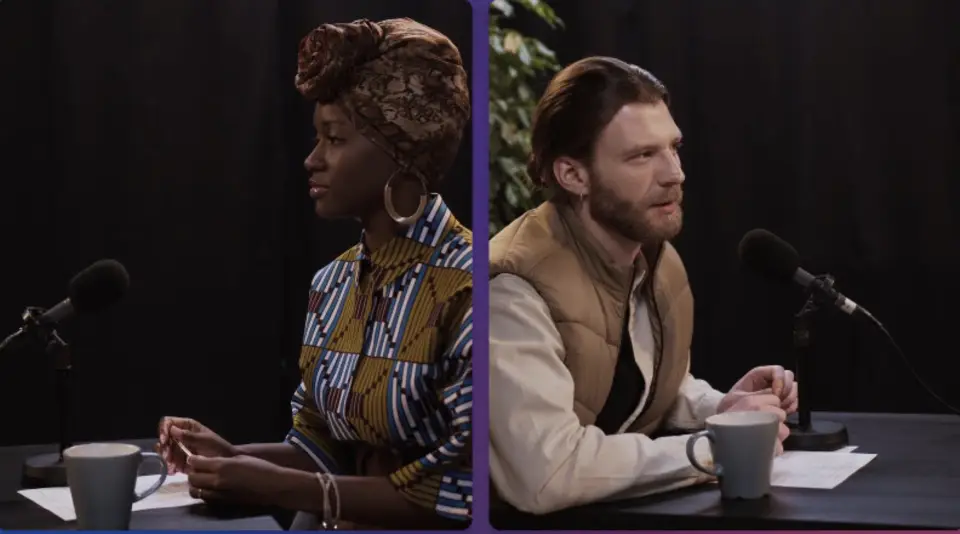
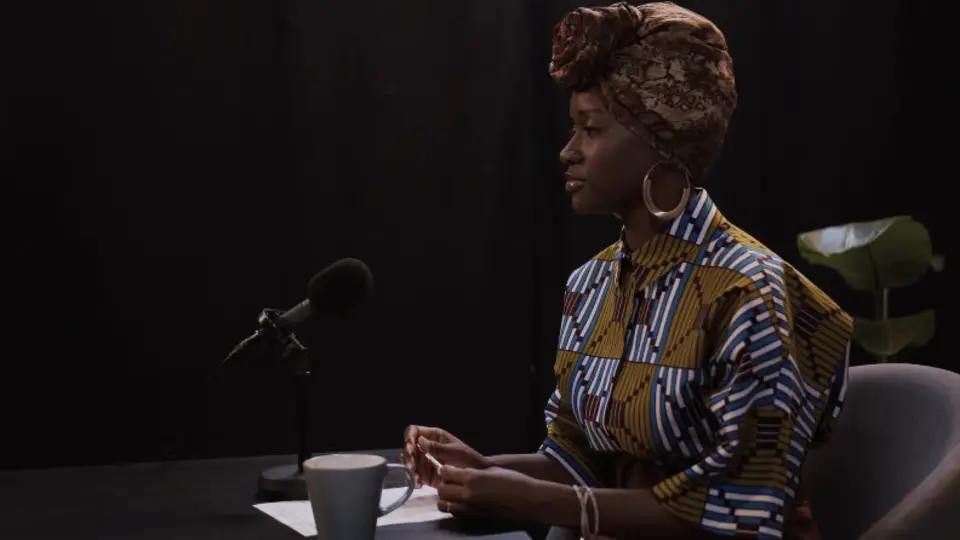
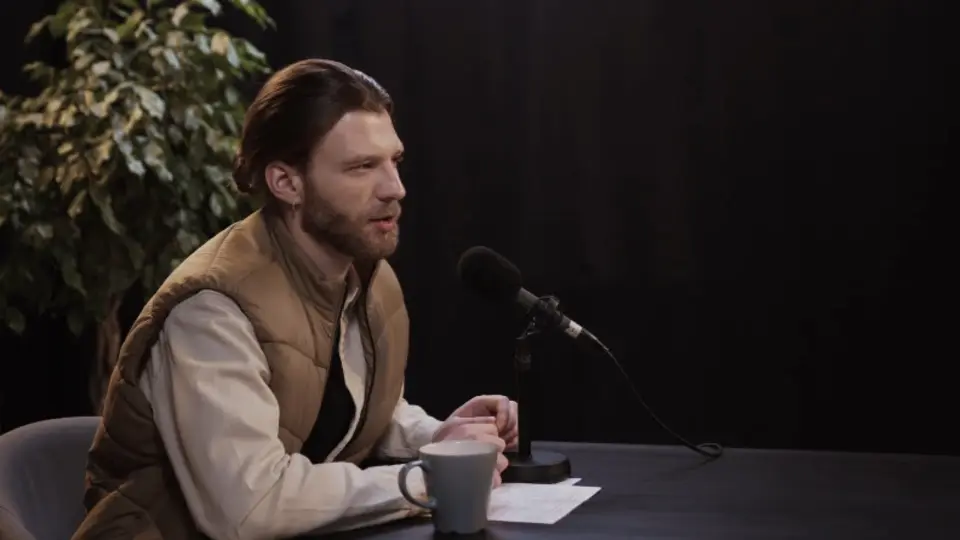 A weekly podcast
“Two hosts, three cameras. Cut to whoever’s talking.”
When you stop: Your live cuts become the edit, with a transcript, chapters and every camera on its own track.
- Premiere starts in02:14:09Sunday 10:00 · YouTube, FacebookA premiere while you’re away
“Play Sunday’s recording at 10, live on YouTube and Facebook.”
When you stop: Scheduled from your computer for free, or from the cloud on Pro with your computer off.
- 16:9 Twitch YouTube
 9:16
 Following youA stream with Shorts
“Stream wide to Twitch and YouTube, and keep a vertical that follows me.”
When you stop: A 9:16 recording already framed on you, ready to cut into Shorts.
- Set up a two-camera interview with name tags and a vertical for Shorts.Added Camera 1, Camera 2, Side by sideName tags for Ada and MarcusVertical on, following each speakerWaiting for youGo live on YouTubeCancelConfirm ⏎A show your AI sets up
“Claude, set up our interview show.”
When you stop: Every action is a command your AI can run through MCP or the CLI. Going live waits for your Confirm.
- MarkersChapterHFlubFGood takeGShortSA tutorial without retakes
“Mark the chapters and the flubs as I go, one key each.”
When you stop: Chapters ready to paste into YouTube, and the flubs waiting as suggested cuts.
- On air00:41:12Walk inWorshipWelcomeSermonResponseClosingMIDI · ProPresenter cued SermonA Sunday service
“Our volunteers run it. ProPresenter cues the scenes.”
When you stop: Big buttons for the crew, cues over MIDI, and the sermon ready to edit when the service ends.
Start with a free piece.
Not ready for a whole studio? Each of these works on its own, and the studio is free too.
- Free app · Mac and WindowsGet Virtual Sync
Virtual Sync
Your good camera and your mic, in sync in Meet, Zoom, Teams or your podcast app. Clap three times and it delays the mic to match.
- Linux, Mac and WindowsGive your agent JCSS
Headless JCSS
The jcss CLI and MCP server with no app open. Your agent brings in a video, edits it and exports it.
- Any agentGet the skill
The editing skill
How I edit videos, written for Claude Code, Codex or any agent. Try it before you try JCSS as an editor.
Read the manifestoI spent hundreds of hours making OBS look the way I’d want the final cut to look. Then I made every edit again. So I built the studio I wanted.
Everything you’d bolt onto OBS, built in.
No plugins to find, no scripts to keep alive.
Follow cam
One wide camera, framed like someone’s operating it. The 16:9 and the 9:16 each follow their own way.
A director that listens
Cut to whoever’s talking, hold a shot, come back wide. Rules are free; the AI Director picks shots on Pro.
Every camera on its own
ISO recordings and separate audio tracks, free. Missed a cut? The other angle is there.
Moves, not just cuts
Zooms and pushes you fire from a key, and scene changes that move, fade or cut each source.
Edit by deleting words
Captions, chapters, a 9:16 export, and timelines for Final Cut and Resolve.
A command for everything
Every action has a key, and works from a Stream Deck, a pedal, MIDI, your phone, an HTTP call, or your AI.
Steady on show day
Crash recovery, ready checks before you go live, edit lock, and a Live view anyone can run.
Captions and chat on screen
Live captions, name tags, countdowns, and your chat from Twitch, YouTube, X and Facebook.
How it fits with what you use.
| Feature | JCSS | Videorc | Meld | OBS | Ecamm | StreamYard |
|---|---|---|---|---|---|---|
| Mac and Windows | ✓ | Mac · Win alpha | ✓ | ✓ + Linux | Mac | Browser |
| 16:9 and 9:16 together | ✓ | — | ✓ | Plugin | Paid | Partial |
| Follow cam, live | ✓ | — | — | Plugin | — | — |
| Auto switching, live | ✓ | — | — | Plugin | — | — |
| Every camera recorded on its own | ✓ | — | Tracks | Plugin | Paid | ✓ |
| Editor at stop | ✓ | Silence cut | Clips | — | — | AI clips |
| Guests from a link | ✓ | — | — | Add-on | Paid | ✓ |
| Controlled by your AI (MCP) | ✓ | In-app chat | — | Community | — | — |
| Open source | — | ✓ | — | ✓ | — | — |
| Plugin ecosystem | Growing | — | Some | Huge | — | — |
From each product’s own site, October 2026. Corrections welcome at hello@jcss.tv.
Free to start. One plan for the cloud.
The whole studio runs on your computer for free. Pro adds the AI Director and everything that runs in the cloud.
- Scenes, titles, follow cam and zooms on a wide camera
- The rules director: switch every few seconds, follow whoever’s talking
- 16:9 and 9:16 together, ISOs, recording, ATEM
- The editor at Stop: transcript, cuts, captions, exports to Final Cut and Resolve
- Stream straight to each platform, guests from a link, premieres from your computer
- Your own AI through MCP and the CLI, copies between your computers on one network
Everything in Free, plus:
- The AI Director: picks the camera and the shot as the show happens
- JCSS Multistream: one upload, sent on to every platform
- Cloud premieres: scheduled shows run in the cloud with your computer off
- Cloud sync and live edits: record on one computer, edit on another, together
- Shared shows: co-hosts and crew open the same show
- Review links as often as you like (free accounts: one a week): clients comment on the frame and approve a version, no account
- Live captions from JCSS Cloud, and cloud storage for recordings and premieres
A show is a folder.
Your shows and recordings stay on your computer, in plain files you can open, copy and keep, and your AI can read and change. The cloud is there when you want it.